You’ve just handed out 200 business cards at a Joburg networking event. Here’s the uncomfortable truth: most of them will end up in a jacket pocket, a car cubbyhole, or the bin within a week. The contact never gets saved. The conversation never continues. And you’ll never know which card, which event, or which handshake actually turned into business.
The business card isn’t dead. But the static business card is.
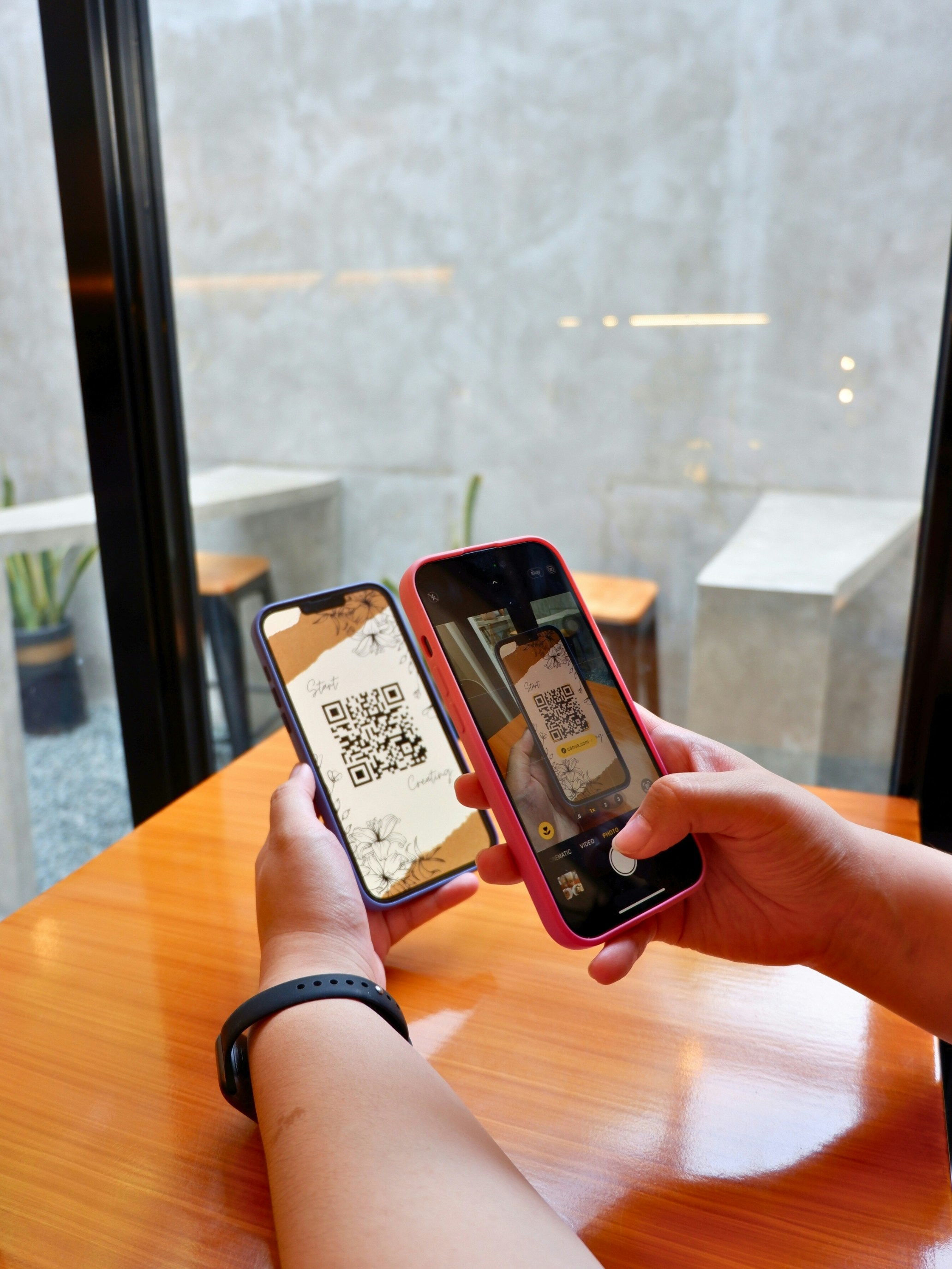
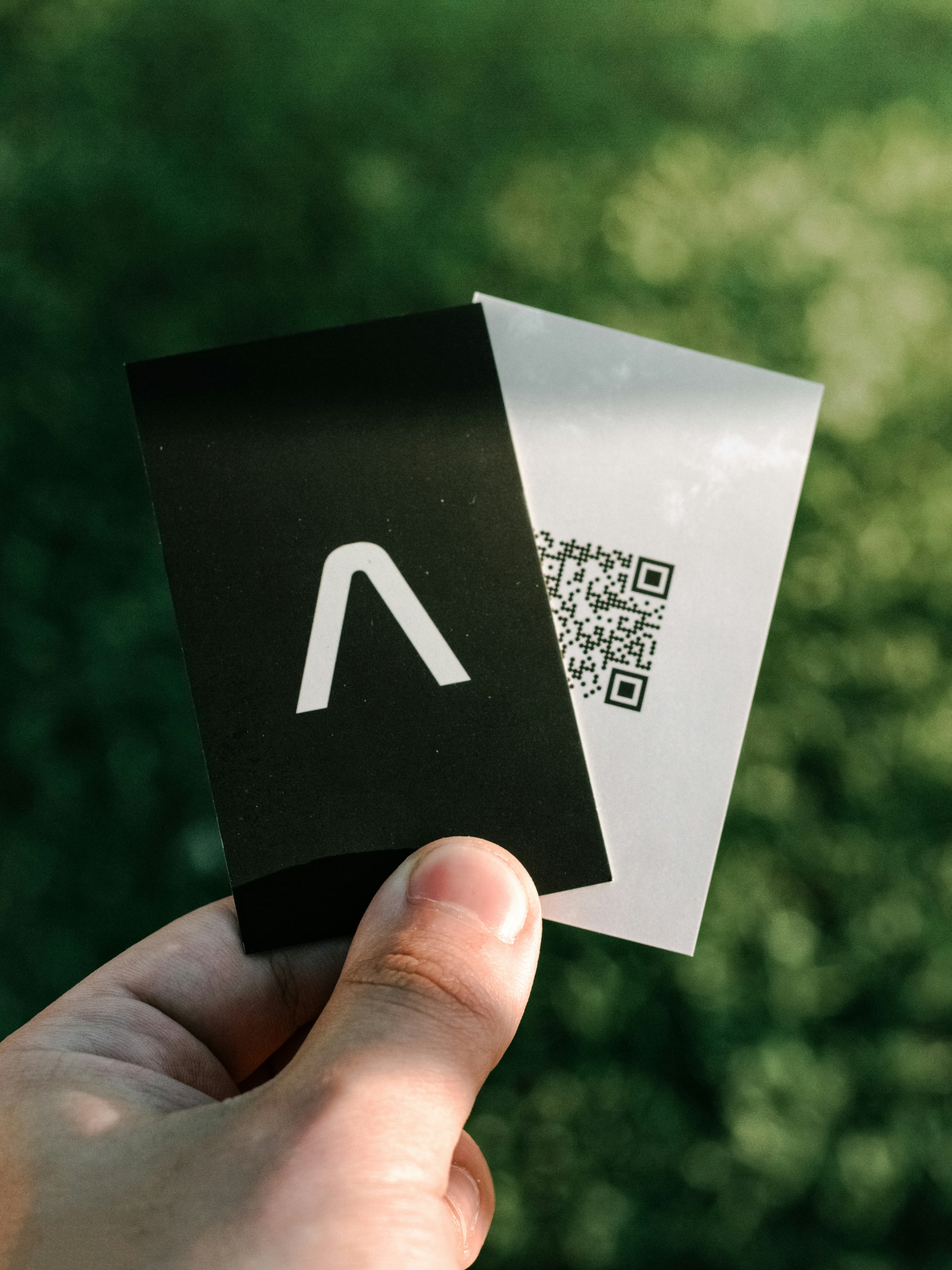
Add a dynamic QR code and that same small piece of cardstock becomes a trackable, editable gateway - one that saves your contact straight into someone’s phone, routes them to your WhatsApp or booking page, and tells you exactly when and where it was scanned. In this guide, we’ll show you exactly how South African businesses are using QR code business cards to turn brief introductions into measurable revenue.
Why Traditional Business Cards Are Wasting Your Money
Let’s be honest about what a standard business card actually does:
- It gets lost. Studies suggest up to 90% of distributed cards are thrown away within a week.
- It’s static. Once printed, the phone number, email, and “what you do” are frozen in ink. Change jobs, rebrand, or move offices and the entire batch is useless.
- It can’t be measured. You hand out 500 cards and have no idea which event, which design, or which networking session produced actual leads.
- It forces manual work. The recipient has to type your number into their phone, character by character. Most won’t bother.
- It’s expensive to update. A reprint of 1,000 cards costs anywhere from R450 to R1,200+ depending on finish - and you’ll do it every time something changes.
A QR code fixes all five problems at once. One scan saves your details instantly, and a dynamic QR code lets you change where that scan goes without ever reprinting the card.
Static vs Dynamic QR Codes on Business Cards
This is the single most important decision you’ll make, and it’s where most businesses get it wrong.
Static QR Codes
A static code encodes a fixed destination (like your website URL) directly into the image. Once printed, it’s locked forever.
- ❌ Can’t be changed - move your website or update your number and the code breaks or points to the wrong place
- ❌ Zero tracking - no scan counts, no locations, no devices
- ❌ Wasted reprints - any change means new cards
Dynamic QR Codes
A dynamic code points to a short redirect link (a “Qlink”) that you control from a dashboard. The code stays the same; the destination can change anytime.
- ✅ Update the destination anytime - same printed card, new landing page, new number, new offer
- ✅ Full analytics - every scan is tracked: count, time, location, device, operating system
- ✅ Print once, edit forever - your card stays relevant for years
- ✅ Smart routing - send iOS users to Apple Maps, Android users to Google Maps, or route by time of day
For business cards specifically, dynamic is the only sensible choice. You change roles, update your portfolio, launch a new offer - and your printed card stays perfectly current.
What to Link Your Business Card QR Code To
The beauty of a dynamic code is that you’re never locked into one destination. Here are the highest-converting options for South African professionals:
1. Save-Contact (vCard)
The classic for a reason. The scan opens a pre-filled contact card with your name, number, email, and company. One tap and you’re saved into their phone - no typing, no errors.
Best for: Everyone. This should be your default.
2. WhatsApp Business
With 34 million South Africans on WhatsApp, sending scanners straight to a WhatsApp chat is a conversion powerhouse. Open the chat, pre-fill a greeting message, and the conversation starts instantly.
Best for: Service businesses, agents, consultants, anyone who closes deals in chat.
3. A Booking Page
Link straight to your calendar. “Scan to book a consultation” removes the back-and-forth of finding a time that suits both of you.
Best for: Salons, therapists, consultants, tutors, trainers.
4. Your Portfolio or Gallery
Let people see your work the moment they meet you. A photographer, designer, or estate agent can link to a mobile-optimized gallery that updates every time you add new work - no reprinting.
Best for: Creatives, estate agents, contractors, anyone who sells visually.
5. Google Reviews
Hand a card to a happy client and point the QR code at your review profile. You’ve turned a business card into a review-collection tool.
Best for: Businesses building online reputation - see our full guide to Google Reviews QR codes for South African businesses.
6. A Link-in-Bio Style Hub
Don’t make people choose one thing. A single landing page can list your top calls-to-action - “Call me”, “WhatsApp”, “Book”, “Visit website”, “Leave a review” - all in one place, mobile-optimised.
Best for: Anyone who wants one card to do everything. (This is what Rytinco’s landing page builder is built for - see how to use landing pages for your business.)
Pro tip: Because the code is dynamic, you can change this destination over time. Start with a save-contact vCard, then switch to a “December special” landing page during the holidays - all on the same printed card.
Design & Placement Tips That Boost Scan Rates
A QR code only works if people actually scan it. Poor placement and design kill scan rates. Here’s what works:
Size Matters
- Minimum 2 x 2 cm for a code on a business card. Anything smaller struggles to scan reliably, especially on older phone cameras.
- Bigger is always safer. A 2.5-3 cm code scans instantly from any angle.
Contrast Is Non-Negotiable
- Dark code on a light background is the gold standard. Black on white scans best.
- Avoid printing codes over busy photos or patterns - the camera can’t find the code’s edges.
- If you’re using a dark card design, invert carefully or place the code inside a clean white box.
Always Add a Call-to-Action
A bare QR code with no instruction gets ignored. Tell people exactly what they’ll get:
- ✅ “Scan to save my contact”
- ✅ “Scan to WhatsApp me”
- ✅ “Scan to book a consultation”
- ❌ Just the code, alone, in the corner
This single change can double your scan rate.
Place It Where Eyes Land
- The back of the card is ideal - it keeps the front clean and gives the code room to breathe.
- If it must go on the front, keep it clear of text and at least 4 mm from the edge (printers need bleed room).
Real South African Case Studies
The Sandton Estate Agent
An estate agent in Sandton prints a single dynamic QR code on the back of her cards. The destination rotates with her strategy:
- Default: a save-contact vCard so every introduction lands in the prospect’s phone
- Show days: switched to her current listings gallery, updated weekly
- After a sale: switched to a Google Reviews link to capture fresh testimonials
Results over 12 months:
- 340 tracked scans from a single box of 500 cards
- 41% of scanners saved her contact
- 8 confirmed property viewings directly attributed to card scans
- Zero reprints despite three strategy changes
The Cape Town Freelance Designer
A graphic designer replaced her old “website link” static code with a dynamic Qlink pointing to a portfolio landing page.
What changed:
- She updates the featured projects every month without touching the card
- Each new client inquiry gets tagged by where the scan came from
- She added a WhatsApp button to the landing page for instant inquiries
Results: inquiry-to-meeting conversion rose from 12% to 28%, simply because prospects could see fresh work and message her immediately.
The Durban Consultant
A business consultant hands out cards at conferences across KZN. His dynamic code points to a booking page.
Results: eliminated the “let me check my diary” email tennis. Clients scan, see live availability, and book - often before they’ve left the event. He tracks which conferences produce the most scans and now only sponsors the events that convert.
What to Track (and Why It Matters)
This is the part traditional business cards can never give you. With a dynamic QR code you’ll see:
- Total scans - how many people actually engaged with your card
- Unique vs repeat scanners - genuine reach vs the same person scanning twice
- Location data - which city, suburb, or event produced the scans
- Device and OS - iOS vs Android helps you optimise your landing page
- Time of scan - see whether cards work better at morning networking or evening events
This data turns networking from a guessing game into a measurable channel. If your Cape Town cards get 3x the scans of your Durban batch, you know where to focus your time. For the broader case for collecting your own data, see our guide to first-party data strategy for South African businesses.
Common Business Card QR Mistakes
Mistake #1: Using a Static Code
You print 1,000 cards, then change your number. Now every code is dead. Fix: always use a dynamic code.
Mistake #2: No Call-to-Action
A code with no label gets ignored. Fix: always tell people what scanning will do.
Mistake #3: Code Too Small or Low-Contrast
It looks elegant but won’t scan. Fix: minimum 2 x 2 cm, dark-on-light, clean background.
Mistake #4: Linking to a Generic Homepage
A homepage gives people nothing to do. Fix: link to a specific action - save contact, WhatsApp, book, or a focused landing page.
Mistake #5: Never Reviewing the Data
You’ve got analytics - use them. Fix: check your scan data monthly and adjust your destination and event strategy accordingly.
How to Set It Up With Rytinco
- Create a dynamic QR code in your Rytinco dashboard and link it to your chosen destination (vCard, WhatsApp, booking page, or a Rytinco landing page).
- Download the high-resolution code and add it to your business card design - minimum 2 x 2 cm, dark on light, with a clear call-to-action.
- Print once. Your cards are now future-proof.
- Change the destination anytime from your dashboard - new number, new offer, new portfolio - without reprinting.
- Track every scan with real-time analytics: count, location, device, and time.
Start Today
A business card is often the first impression you make. Make sure it’s one that lasts - one that saves your contact instantly, routes people to exactly where you want them, and tells you precisely how well your networking is working.
Rytinco gives you unlimited dynamic QR codes, real-time scan analytics, branded short links, and a no-code landing page builder - all from one dashboard, with South African pricing starting at R99/month and a free tier to get going.
Start for free at app.rytinco.com:
- Create your business card QR code in minutes
- Point it at a save-contact page, WhatsApp, or a booking landing page
- Track every scan and see which events actually convert
- Update the destination anytime - your printed card never goes out of date
The businesses in this guide aren’t marketing experts. They’re professionals who stopped handing out dead pieces of card and started handing out trackable, editable gateways to their business.
Your turn. Update your card today.
Want to go deeper? Read our complete guide to dynamic QR codes in 2025, or learn how real estate marketers use QR codes across South Africa.